> For the complete documentation index, see [llms.txt](https://docs.kuasa.io/llms.txt). Markdown versions of documentation pages are available by appending `.md` to page URLs; this page is available as [Markdown](https://docs.kuasa.io/authentication/how-to-sign-in-to-your-account.md).
# How to Sign In to Your Account
1. Login to your Kuasa :
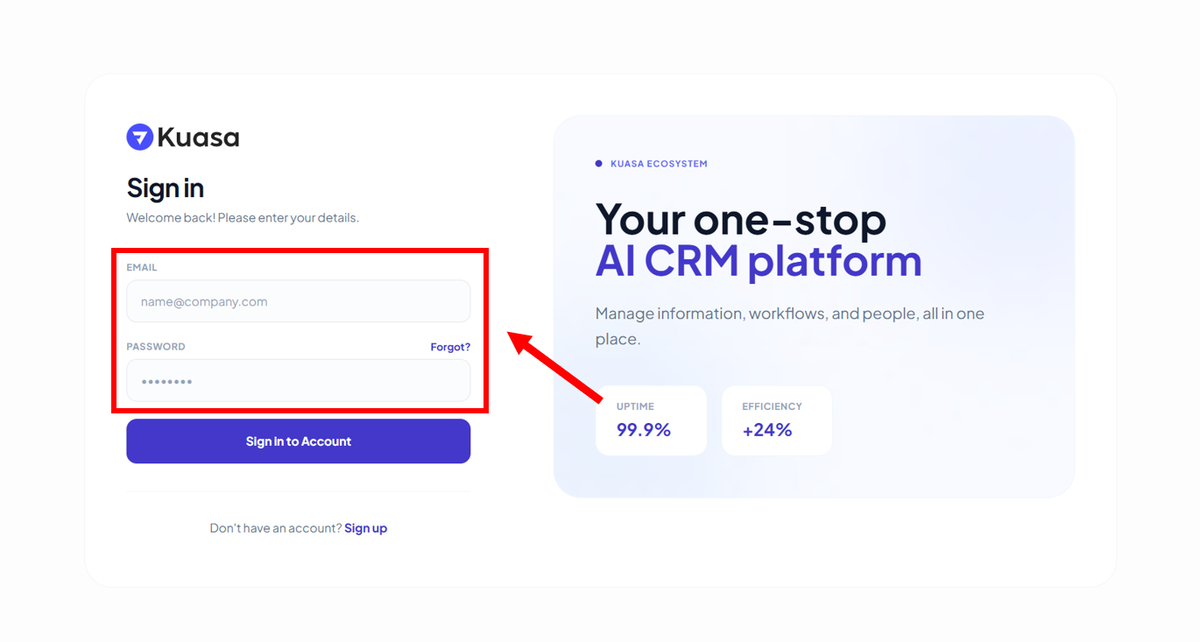
2. Enter your registered email & password.
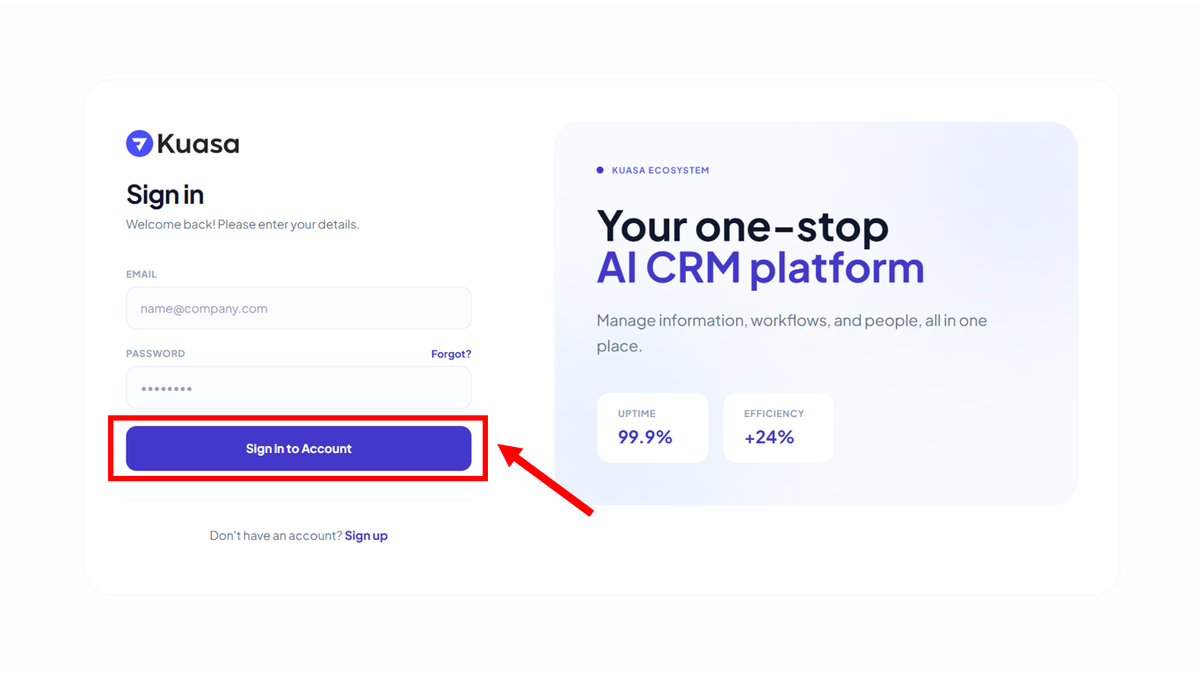
3. Click **Sign in to Account.**
{% hint style="success" %}
You will be directed to **Dashboard**.
{% endhint %}